
What Can Lumos Do?
Explain with AI
After any report runs, click the ✨ icon to get automatic summaries, anomaly detection, key metrics, and action recommendations - all powered by Lumos. It uses only aggregated data and metadata to keep everything secure. Learn more → Lumos Explain with AINatural Language Report Creation
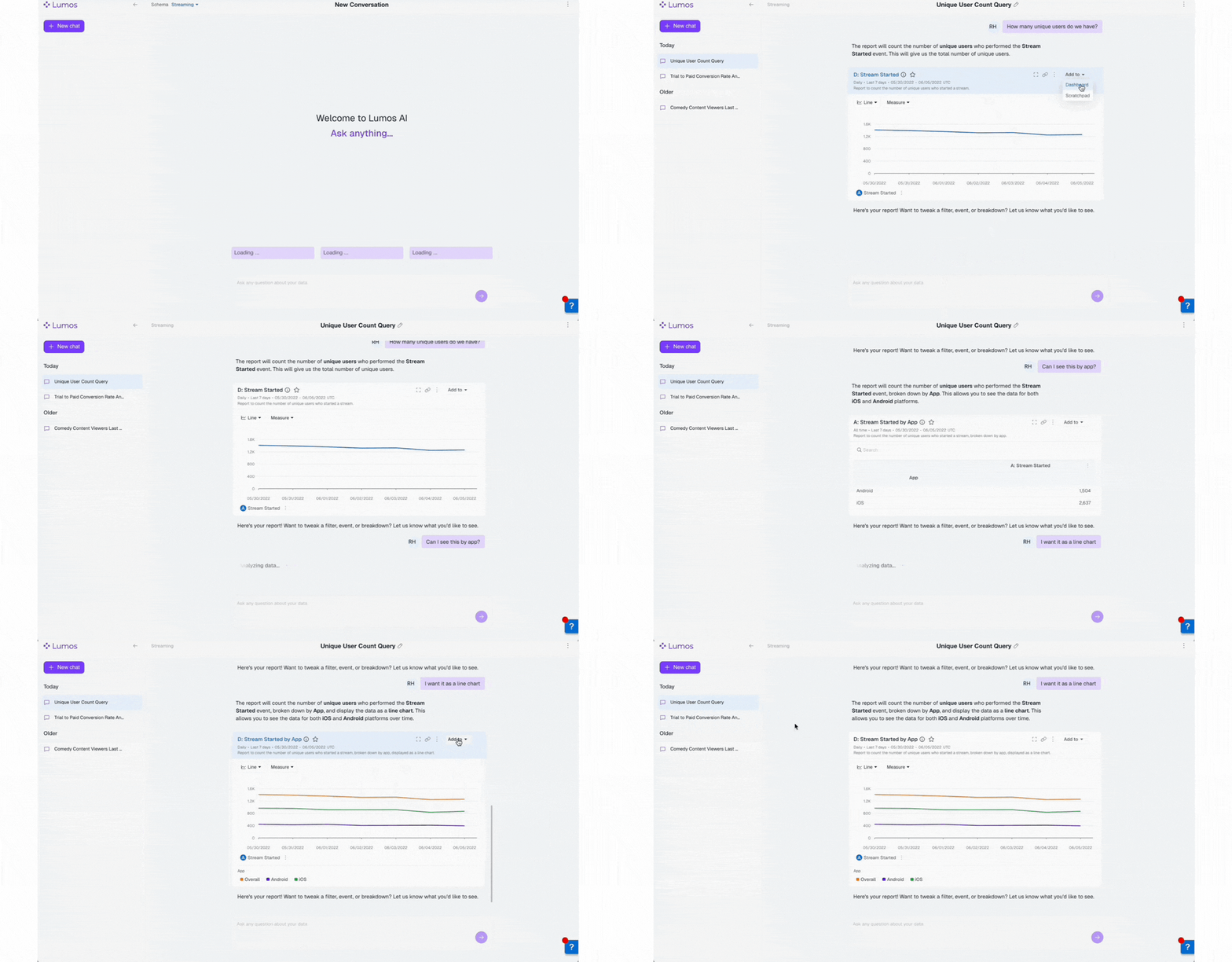
Ask a question in the report builder or fullscreen “Ask anything” box - Lumos translates it into a full query with events, filters, and timeframes, then builds and executes visual report components. You can refine the output iteratively via follow-up prompts. Learn more → Natural Language Report Creation guideNatural Language Cohort Creation
In the Cohort section, type definitions like “users who purchased ≥ 4 items last month and signed up for email,” and Lumos translates your language into cohort logic, then lets you review, save, or iterate. Learn more → Natural Language Cohort Creation guideHow Can I Use Lumos?
Lumos is available to all Enterprise customers - if you’d like to upgrade to Lumos please reach out to your Kubit Customer Success ManagerTips to Making Lumos Work for Your Team
- Be specific in prompts: specify events, filters, timeframe, and segmentation (e.g. “US users who clicked subscribe button last month”).
- Review our Prompt Best Practices Guide
- Enrich your metadata by adding event & field descriptions to make Lumos’ decisions more accurate.
- Iterate often and use follow-up prompts like “break that down by country” or “only for new users”.
Who Benefits from Lumos?
- PMs, analysts, and business users who want to go from question to insight fast and confidently.
- Teams seeking to reduce redundant query effort and streamline reporting workflows.
- Organizations focused on governance and transparency - Lumos builds using data from your secure data warehouse and doesn’t use your data to train other models.
Personal Notifications Lumos AI Settings